

تصميم داخلي
كل المشاريع (104) ←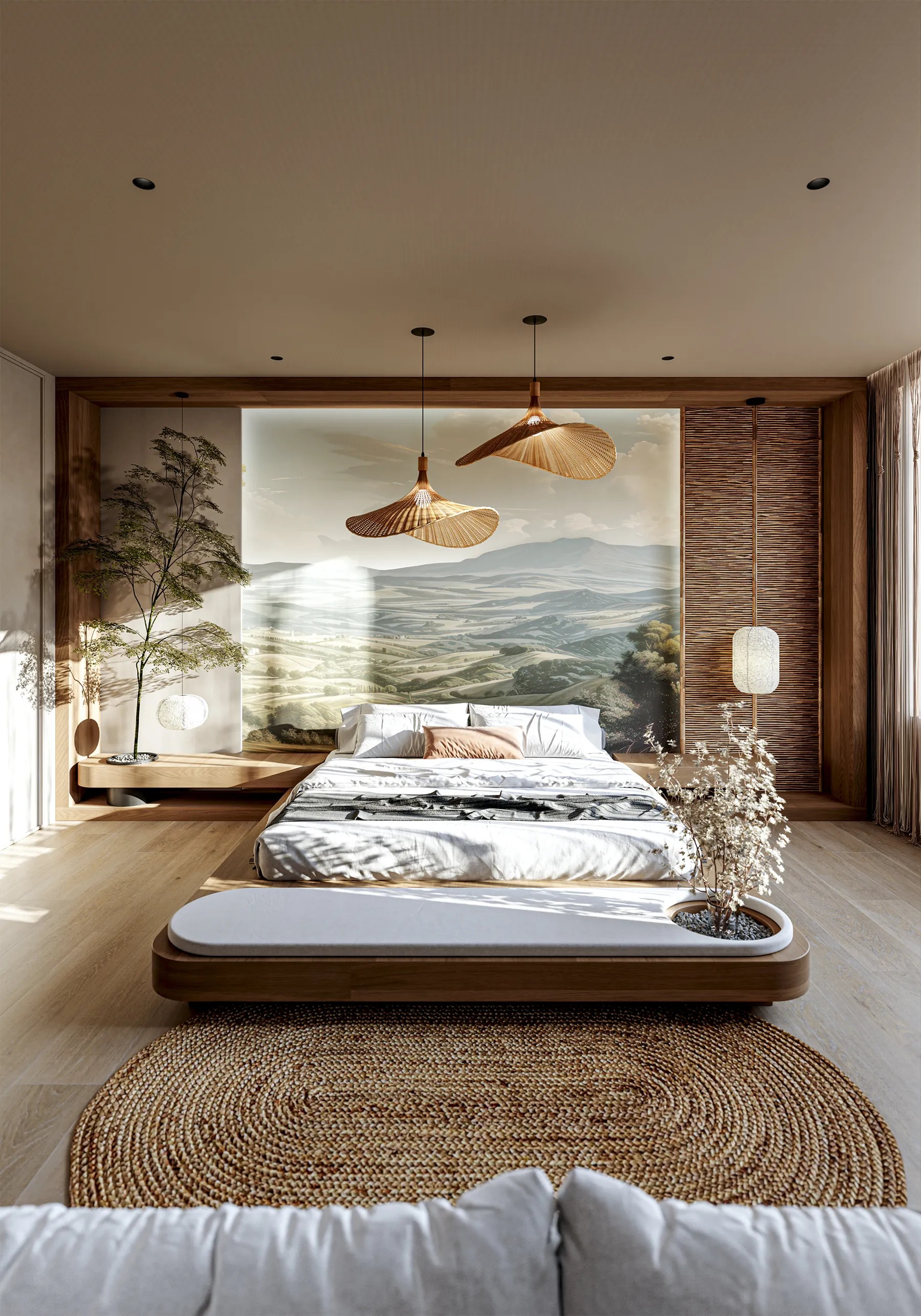

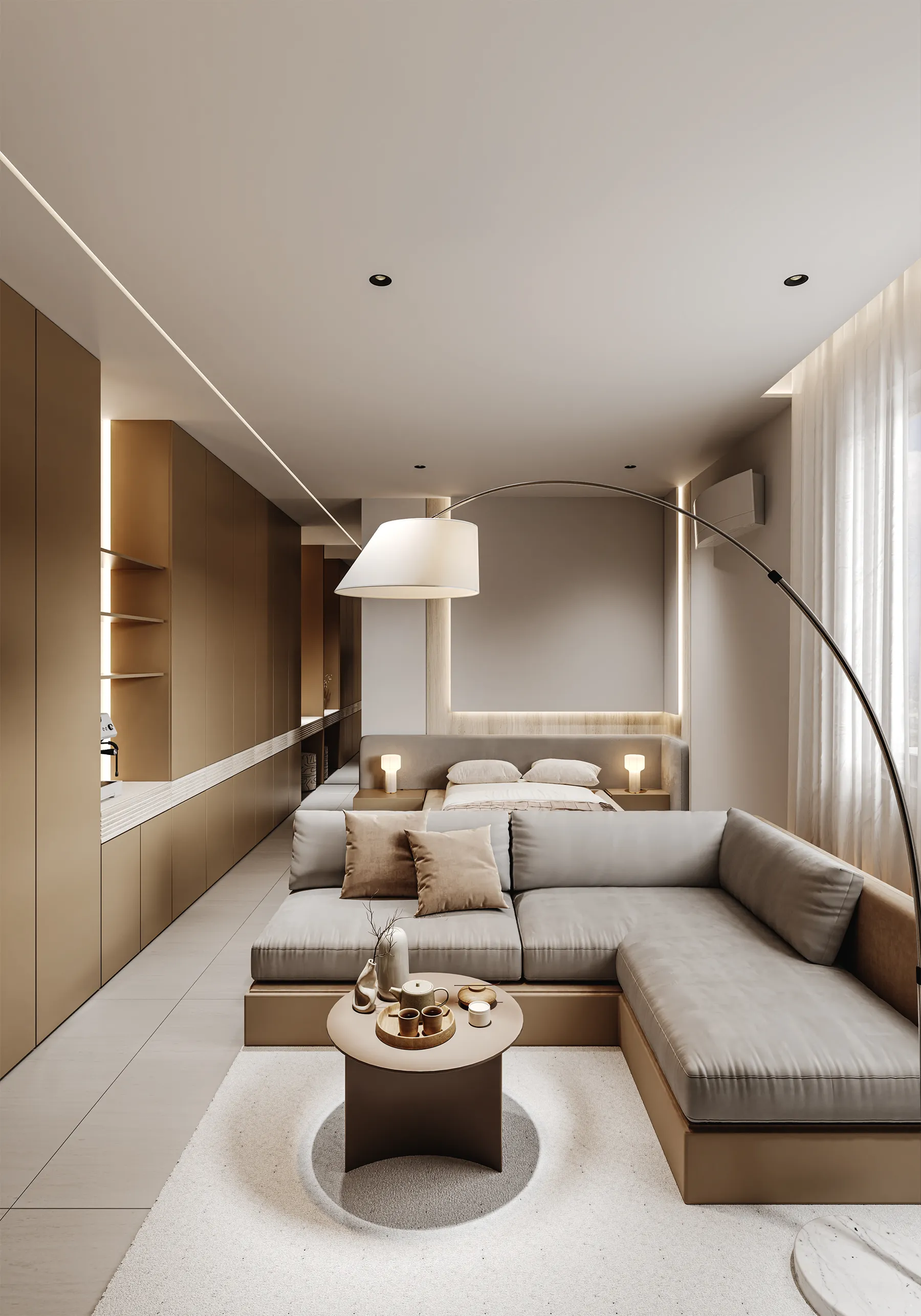
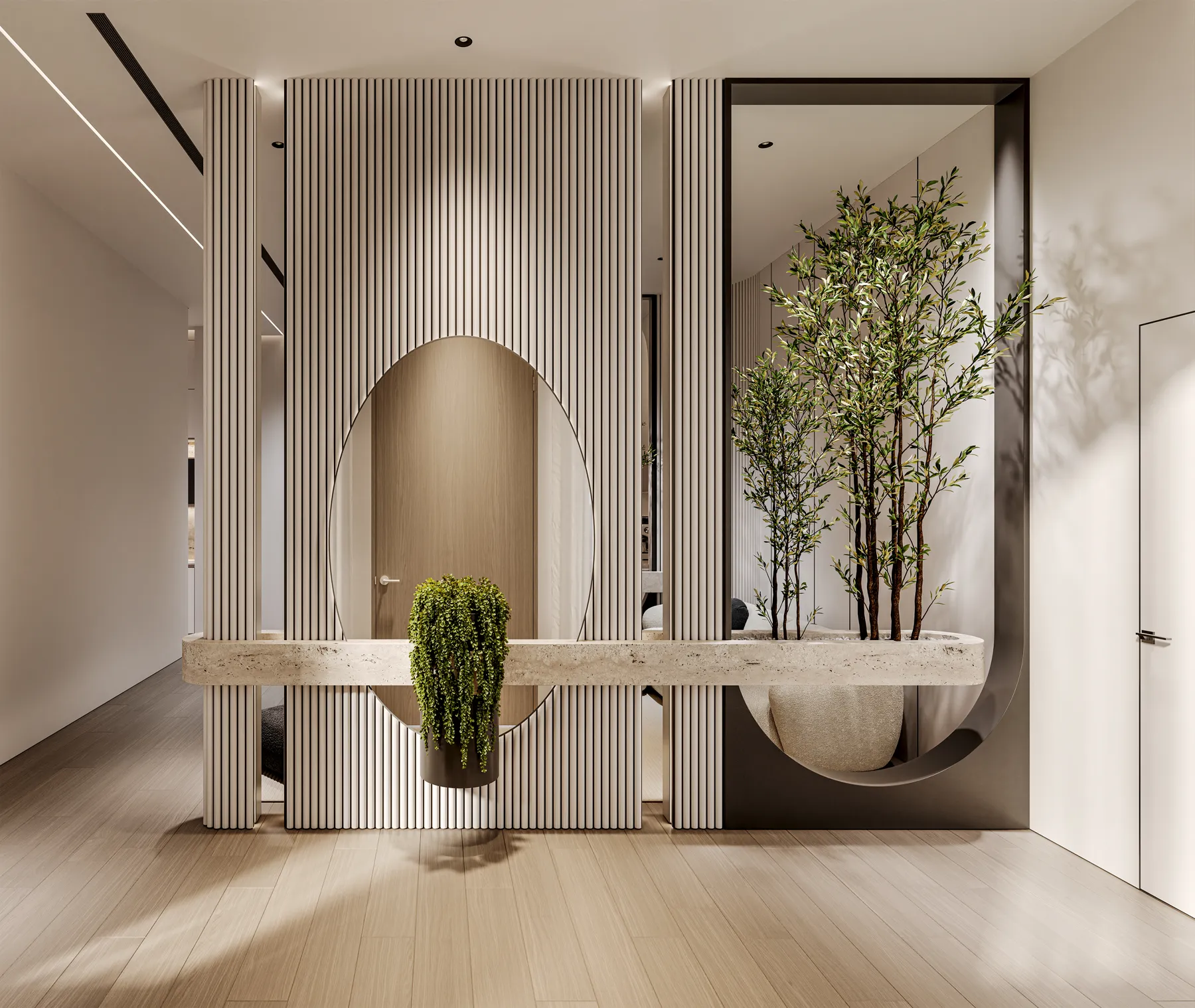
بيئات ثلاثية الأبعاد
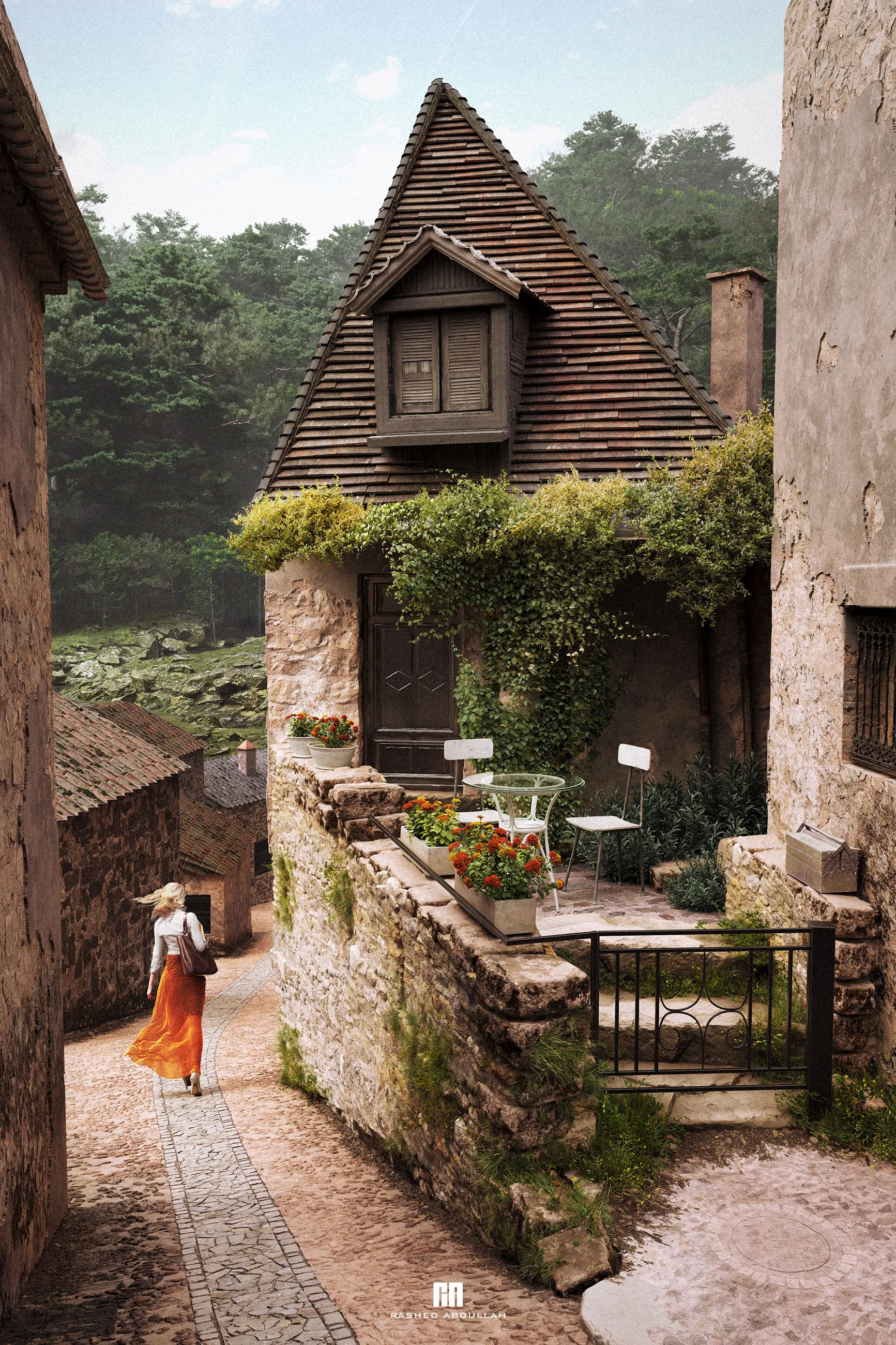
كل المشاريع (65) ←


أدوات للمصممين
كل الأدوات ←أداة SUPERLINKجسر بالاتجاهين بين SketchUp و 3ds Max. صمّم في الأول، وأظهِر في الثاني، وأبقِ الملفين مشروعًا واحدًا.SketchUp3ds Maxنسخة تجريبيةمجانًا لمدة 60 يومًاصفحة الأداةمهارة للمساعد الذكيMax to SketchUp Transferانقل الأثاث والثريات والأرضيات من 3ds Max إلى SketchUp، أخفّ، مع قياسها وموقعها والـ UV والألوان والتكستشر.CodexClaudeتنزيل مجانيصفحة الأداة